
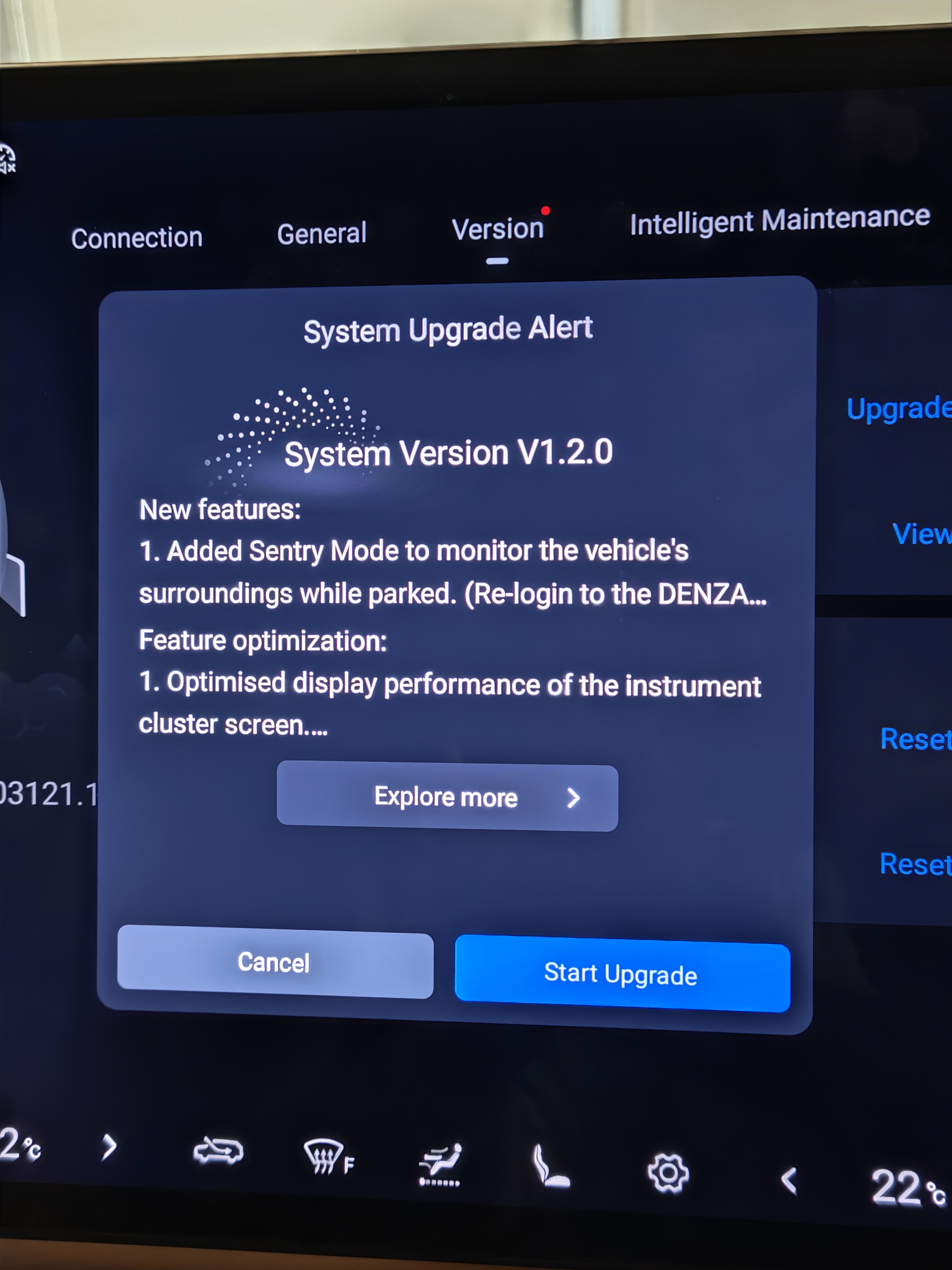
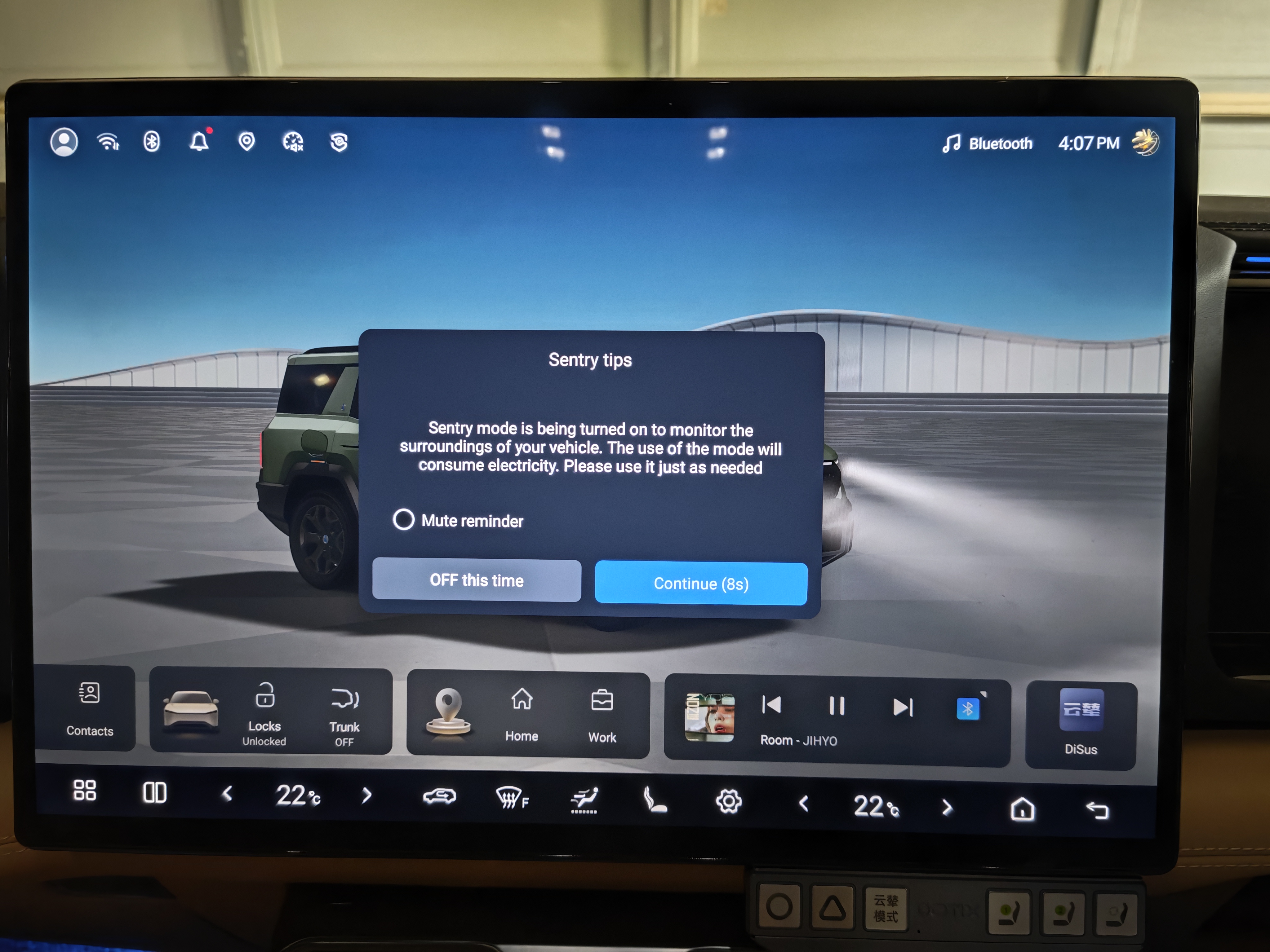
July 2026 — Denza has officially rolled out sentry mode to the B8 through an over-the-air software update.
After months of waiting, B8 owners can now monitor their vehicle's surroundings while parked — no third-party apps needed. Here's everything you need to know.
What's in the Update
The OTA update brings sentry mode as the headline feature, along with several other improvements:
- Sentry Mode — monitor your vehicle's surroundings while parked
- Optimised seat heating performance
- CPD alarm one-tap deactivation (28 consecutive days)
- DMS switch in dropdown shortcut panel
- Optimised one-touch seat folding for second and third rows
- Improved ICC and LDA driving collaboration
How to Update
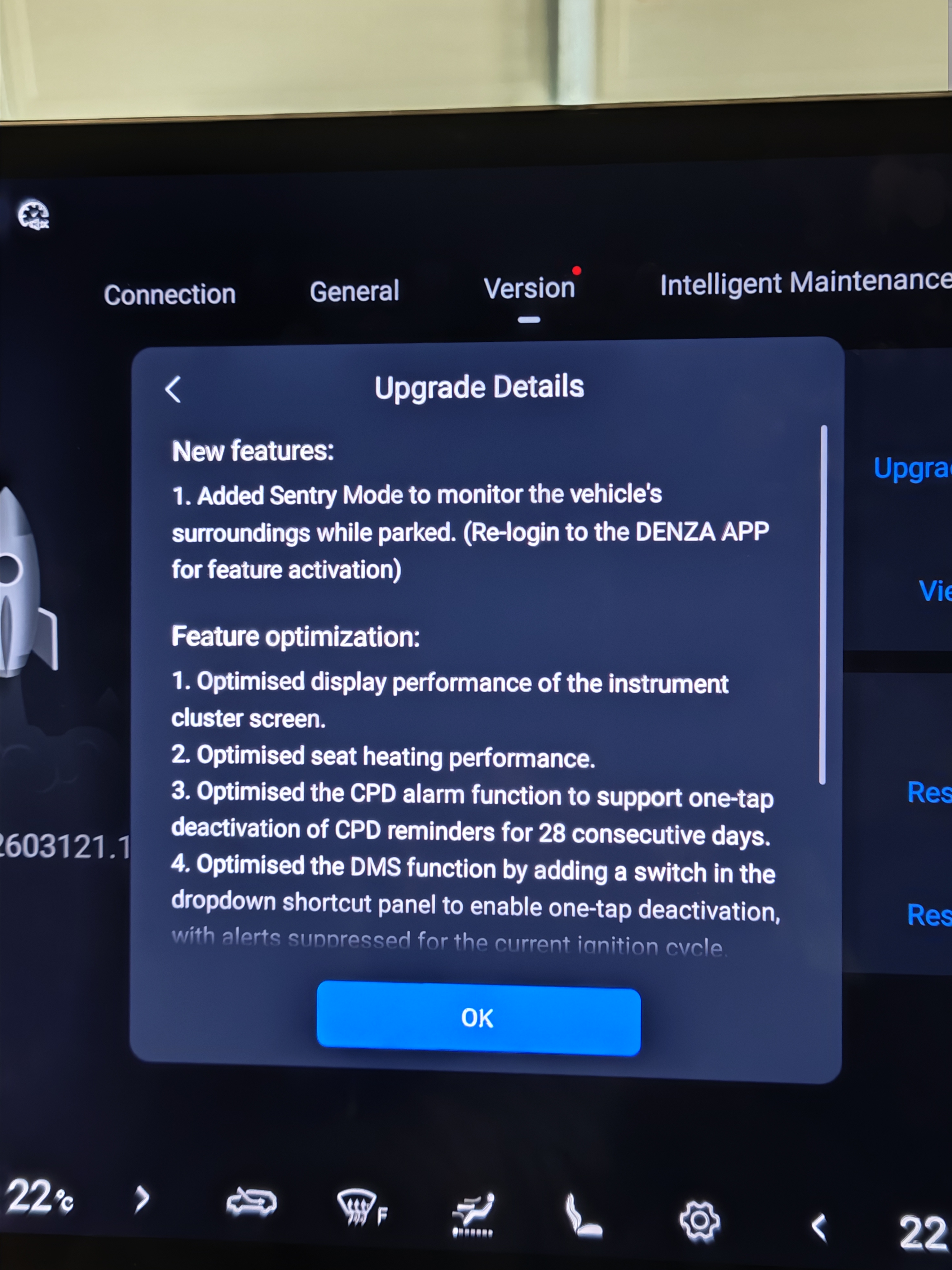
- Park your B8 in a safe location with stable WiFi
- Go to Settings → System → Software Update
- Download and install (approximately 120 minutes)
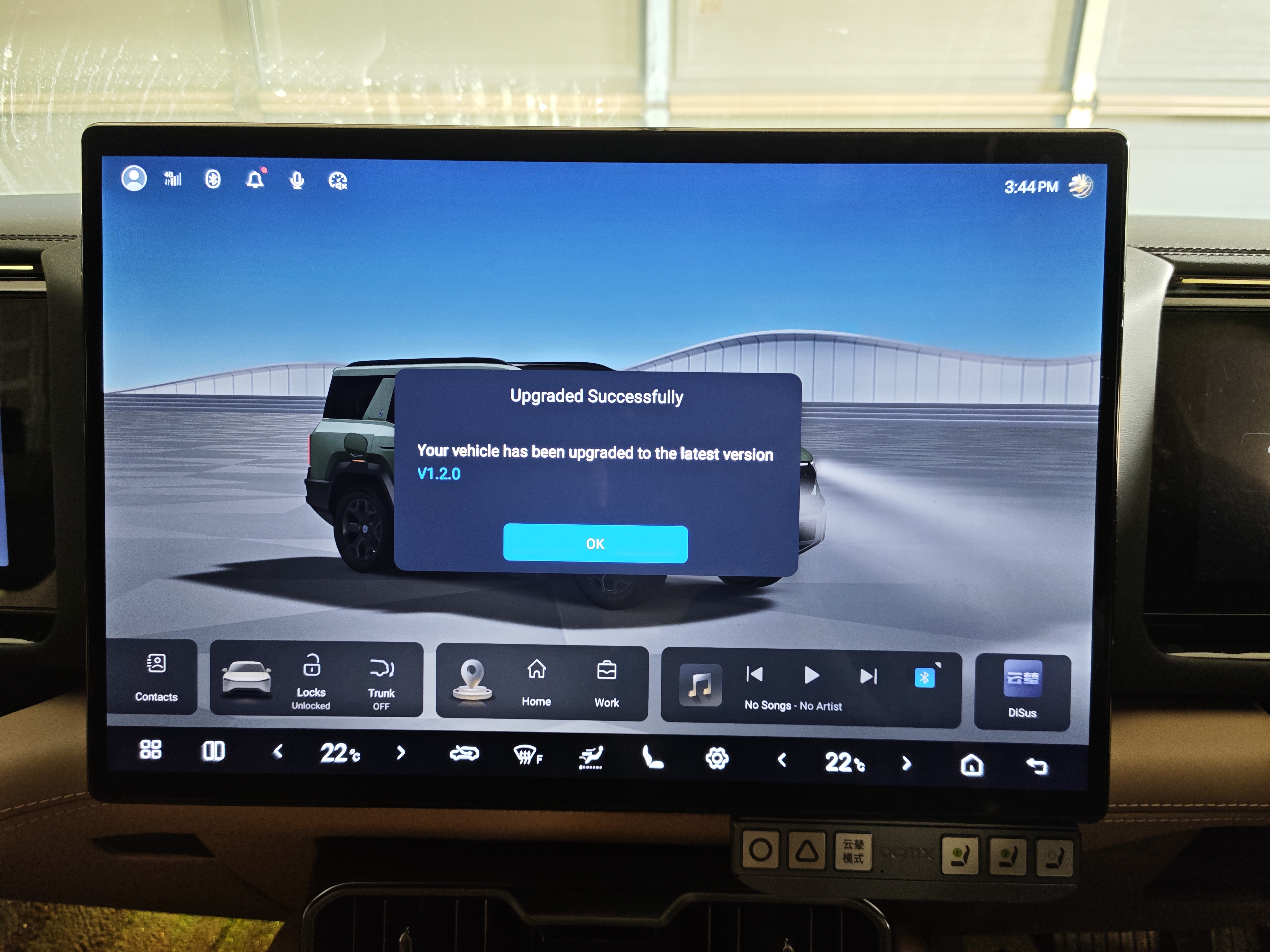
- Re-login to the Denza APP after update for sentry mode activation
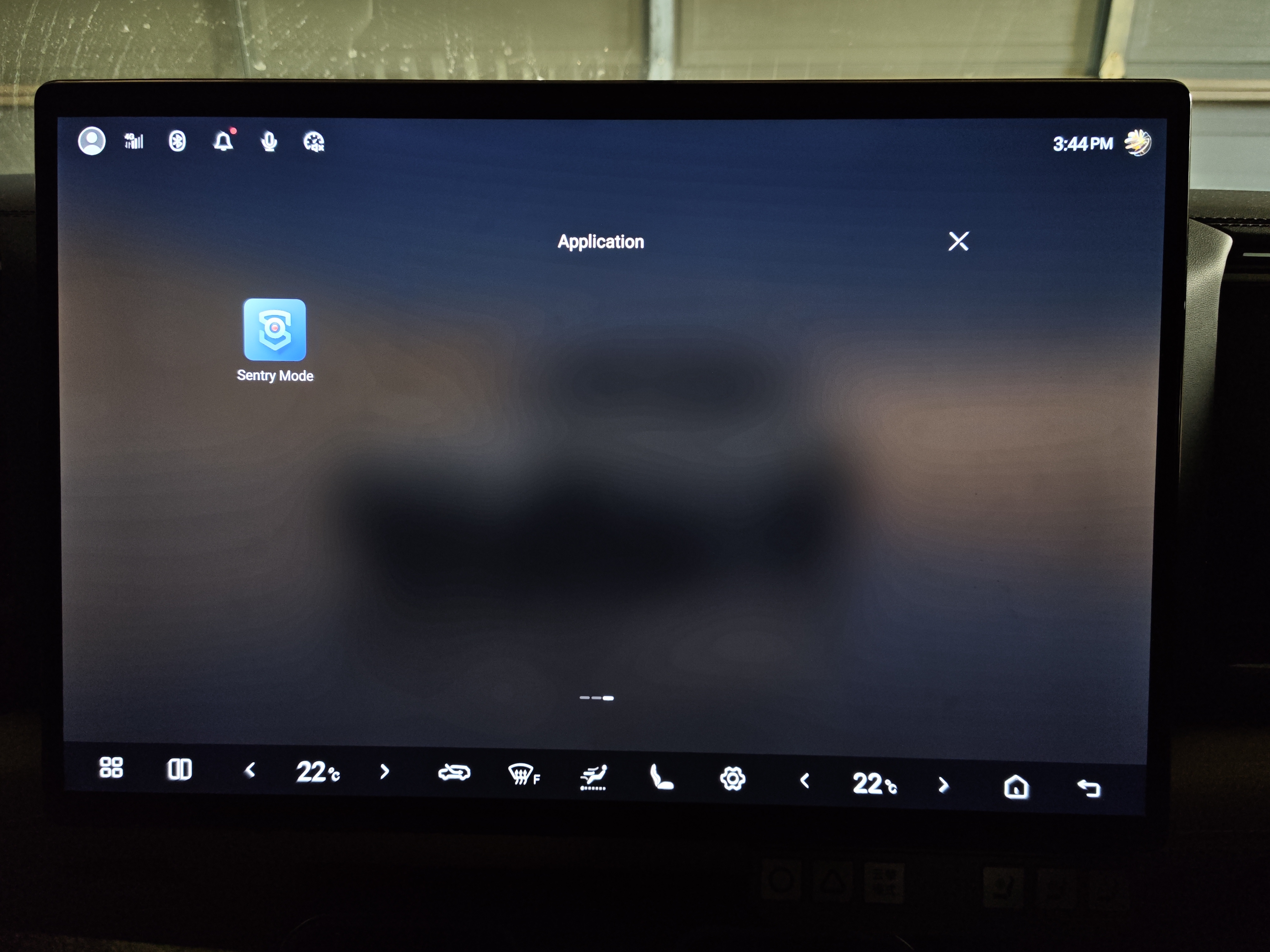
Finding Sentry Mode
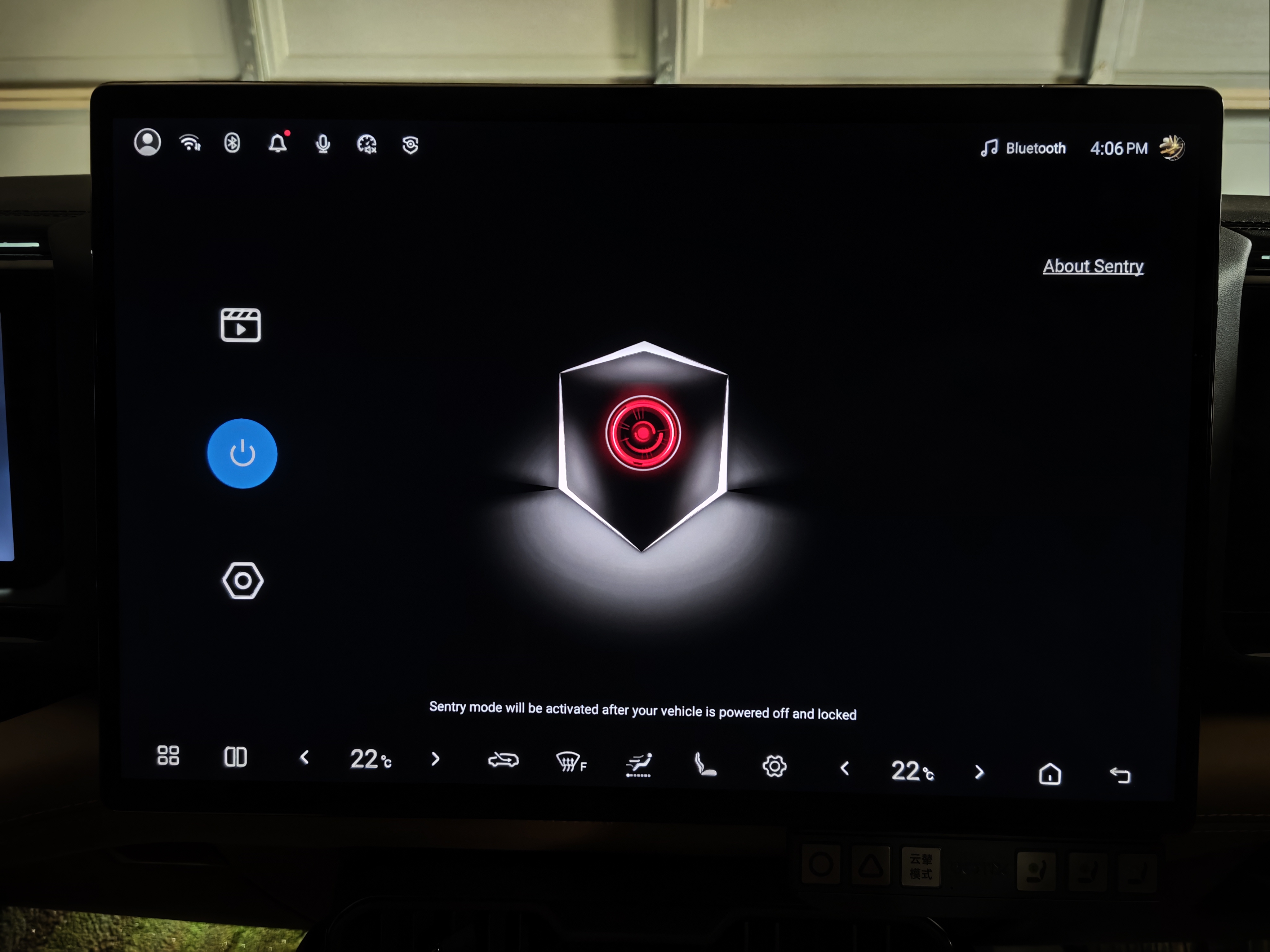
After the update, a new Sentry Mode app appears in your app drawer. Tap it to open the main control screen.
The Main Screen
The sentry mode interface shows a large shield icon with a red camera lens, indicating surveillance is active. On the left side you'll find:
- Blue power button — enable or disable sentry mode
- Video icon — access recorded clips
- Settings gear — configure sentry mode options
On the right side there's an "About Sentry" link with more information about the feature.
The key message displayed: "Sentry mode will be activated after your vehicle is powered off and locked."
Activation Modes
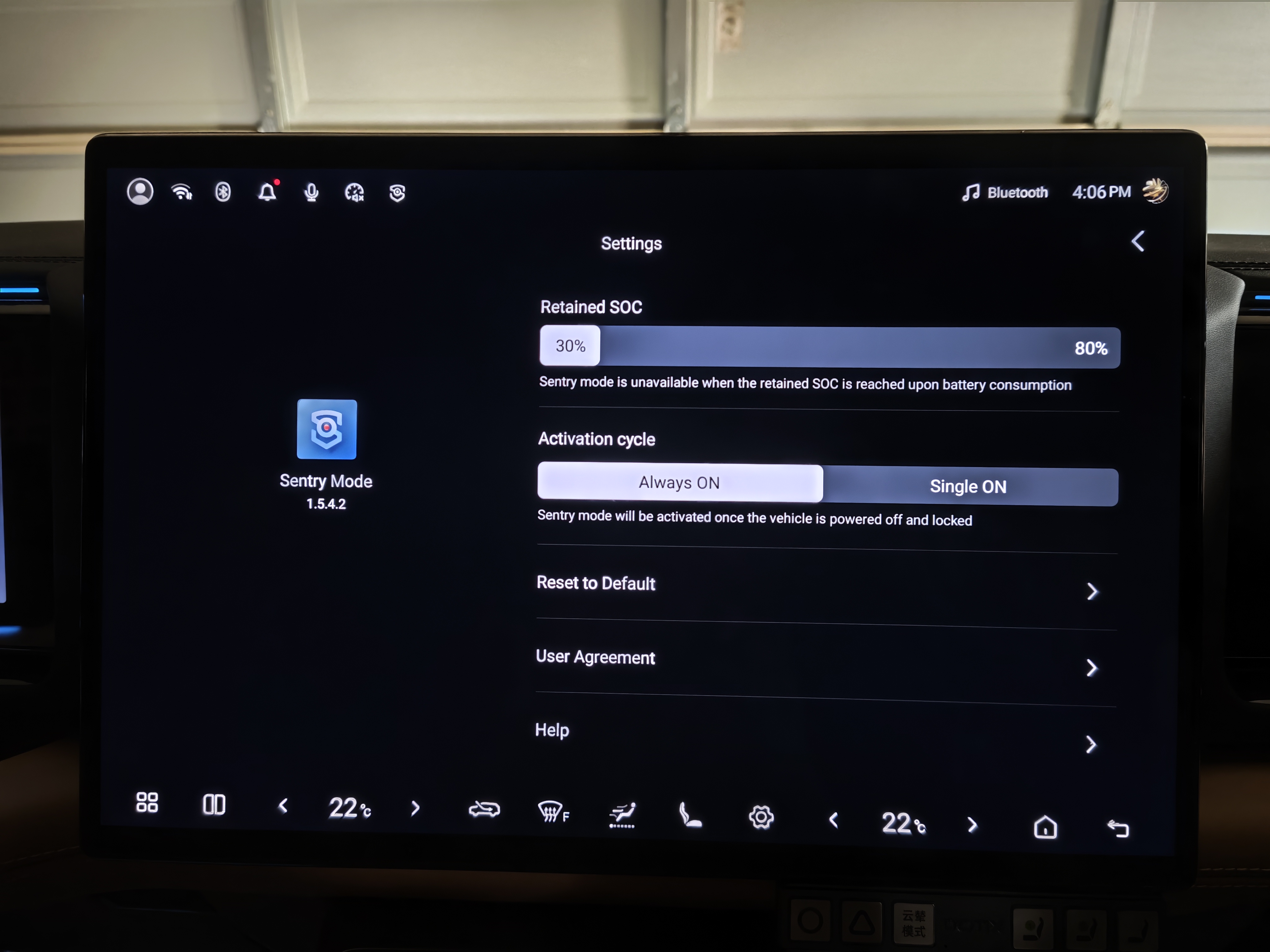
Sentry mode offers two activation modes to suit different needs:
Always ON
Sentry mode activates every time you power off and lock the vehicle. Set it and forget it — your B8 is always watching when parked.
Single ON
Sentry mode activates for one parked session only. It automatically turns off when you start the car next. Perfect for when you're parked in an unfamiliar area but don't want it running all the time.
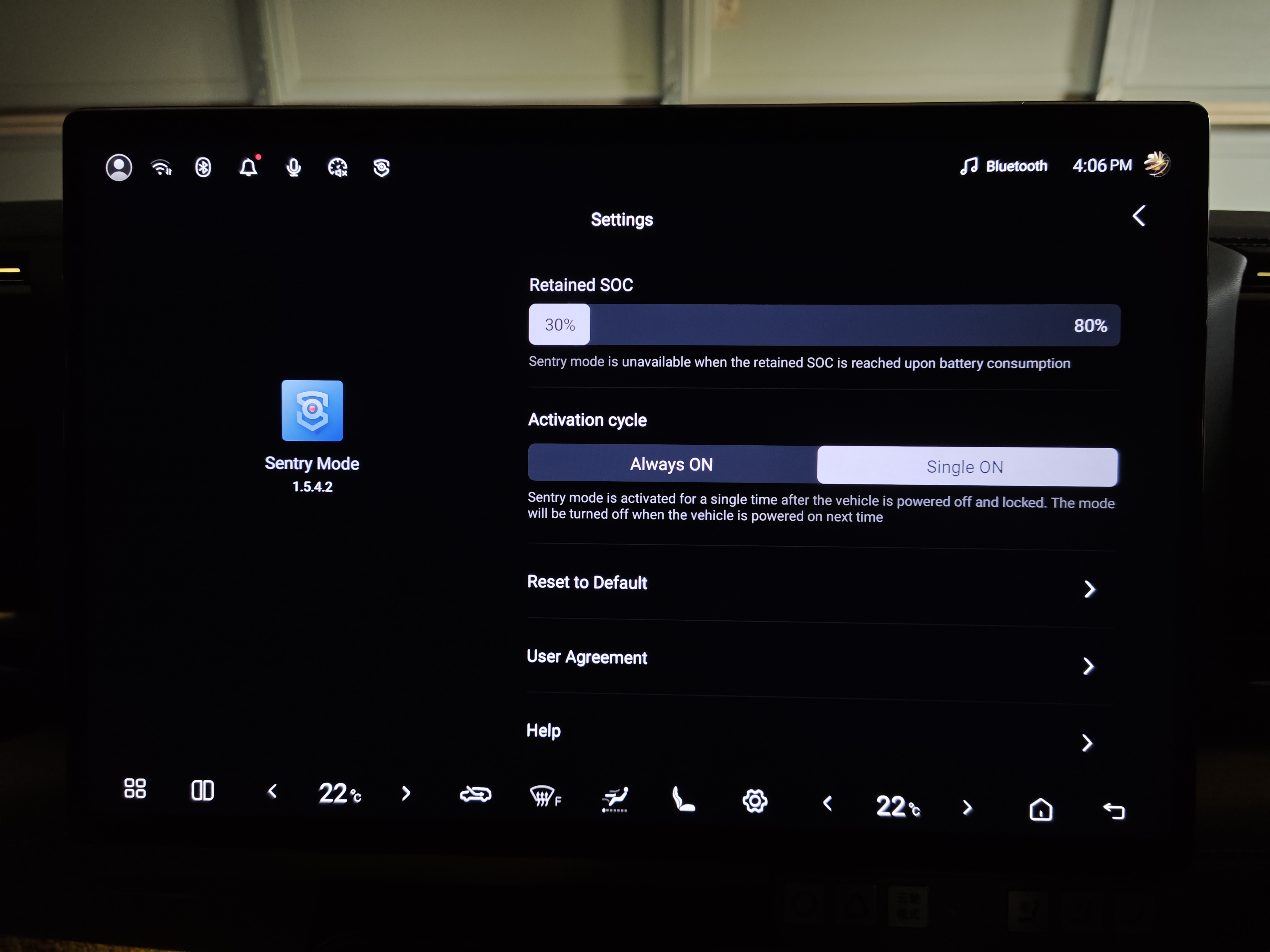
Battery Protection — Retained SOC
One of the smartest features is the Retained SOC setting. This is a slider that lets you set a minimum battery level (between 30% and 80%).
When your battery drops to this level, sentry mode automatically shuts off to preserve range. This means you'll never come back to a dead battery because sentry mode drained it overnight.
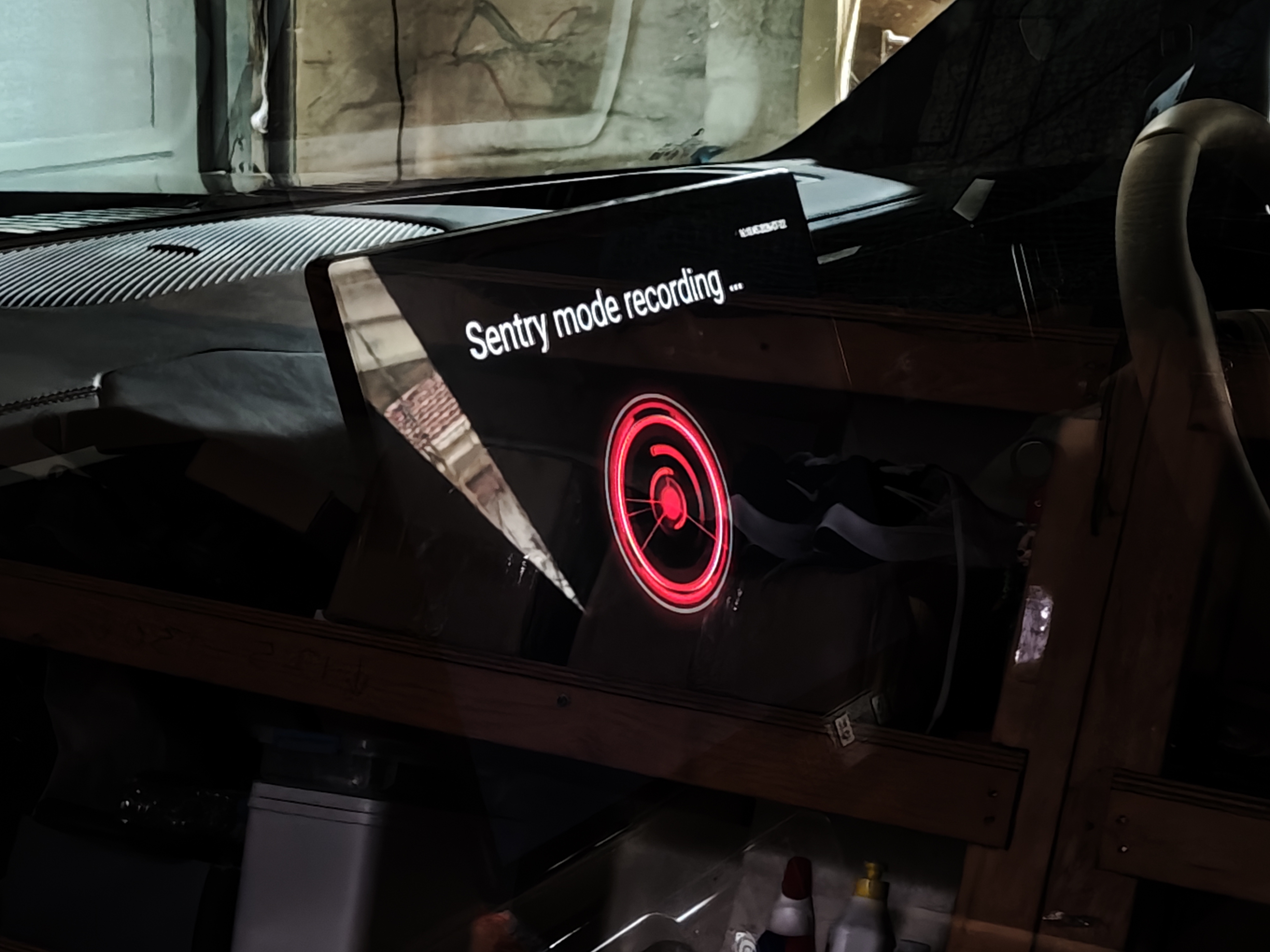
What Happens When It Detects Movement
When sentry mode detects someone approaching your vehicle, it:
- Starts recording video from the front, side, and rear cameras
- Alerts you via the Denza APP on your phone
- Saves the footage locally on a memory card (32GB or larger required)
The recordings are stored only in the vehicle — they are not uploaded to the cloud. You can review and manage the clips directly on the infotainment screen.
Important Notes
- Side mirrors unfold when sentry mode is active — this is normal, as the cameras need a clear view. Be aware of potential mirror damage in tight parking spots.
- Insert a memory card (32GB or larger) before using sentry mode — without it, recordings won't be saved.
- Charge regularly — if sentry mode is on all the time, Denza recommends fully charging at least once a week to maintain battery balance.
- Ambient light affects performance — in very dark or very bright conditions, detection may be less accurate.
How to Access Recordings
Open the Sentry Mode app and tap the video icon on the left side of the main screen. From there you can:
- Browse recorded events by date and time
- Play back footage from any of the vehicle's cameras
- Delete clips to free up storage space
The Verdict
Factory sentry mode on the B8 is a solid addition. It's officially supported, doesn't affect warranty, and integrates seamlessly with the Denza APP. The Retained SOC feature is particularly smart — it gives you peace of mind without worrying about battery drain.
For most B8 owners, this is all you need. Park, lock, and let the car watch itself.
Frequently Asked Questions
Does sentry mode drain the battery?
Yes, sentry mode consumes electricity while active. However, the Retained SOC setting automatically shuts it off when your battery drops to your chosen threshold (30-80%). Denza also recommends fully charging at least once a week if sentry mode is on all the time.
Do I need a memory card for sentry mode?
Yes. You need a 32GB or larger memory card inserted in the vehicle's card slot. Without it, sentry mode will still detect movement and alert you, but recordings won't be saved.
Will sentry mode affect my warranty?
No. Factory sentry mode is an official Denza feature delivered via OTA update. It's fully supported and does not affect your vehicle's warranty.
Does sentry mode work in the dark?
Sentry mode uses the vehicle's cameras to detect movement. However, Denza notes that ambient light and camera performance limitations may affect detection accuracy in very dark or very bright conditions.
Can I use sentry mode and ADB-enabled apps at the same time?
Yes. If you've enabled ADB on your B8, the factory sentry mode update won't affect your ADB access. Both can work independently.
Why do my side mirrors unfold when sentry mode is on?
The side mirrors unfold to give the cameras a clear view of the vehicle's surroundings. This is normal behavior. Be mindful of mirror damage if you park in very tight spaces.