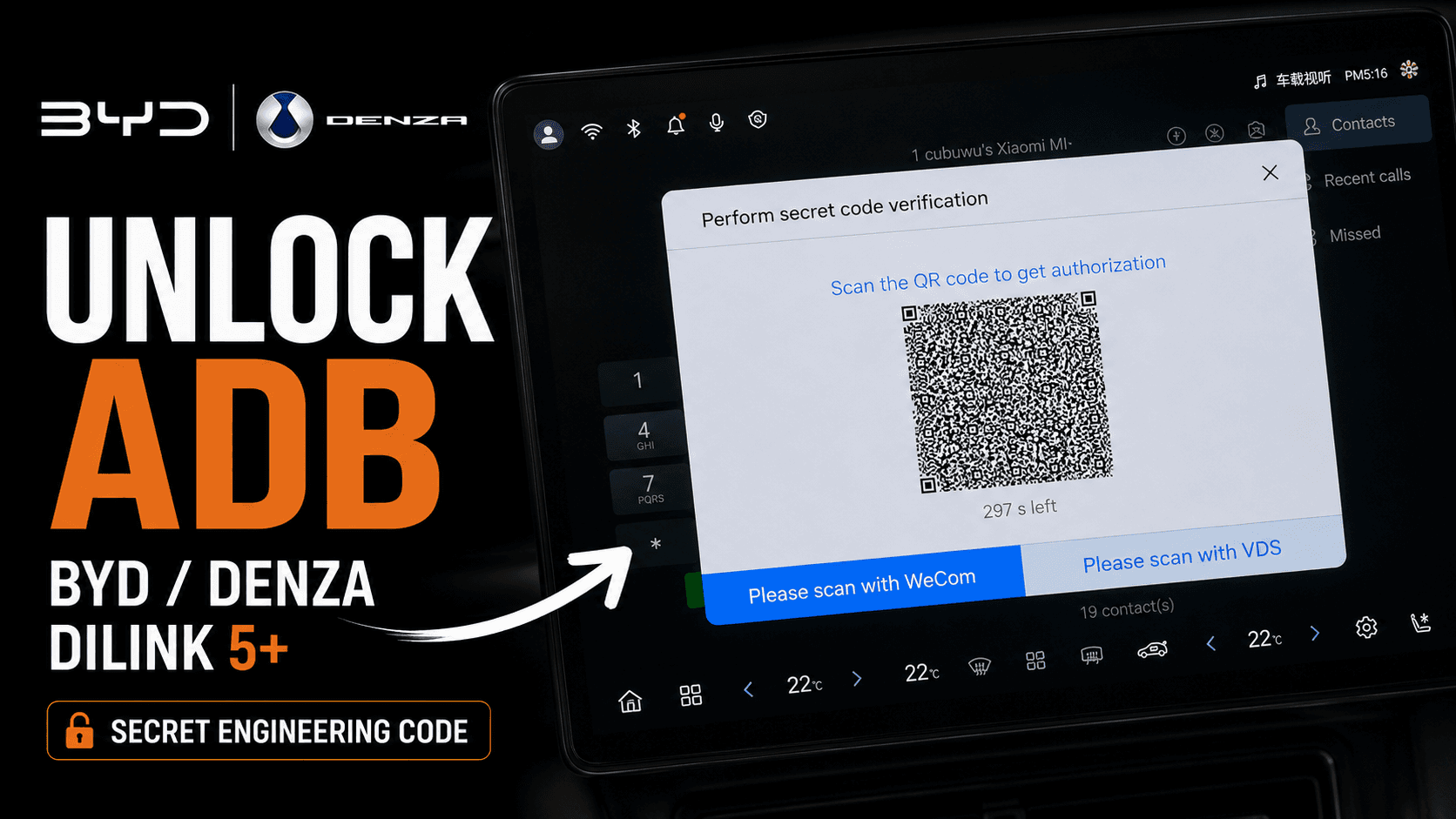
QR session complete?
Start here.
Turn on the two ADB switches, then choose how to install your apps.
Not enabled yet? Read the full guide →
Install your hardware, set up ADB and find your next step. Choose the documentation that matches your product.
Turn on the two ADB switches, then choose how to install your apps.
Not enabled yet? Read the full guide →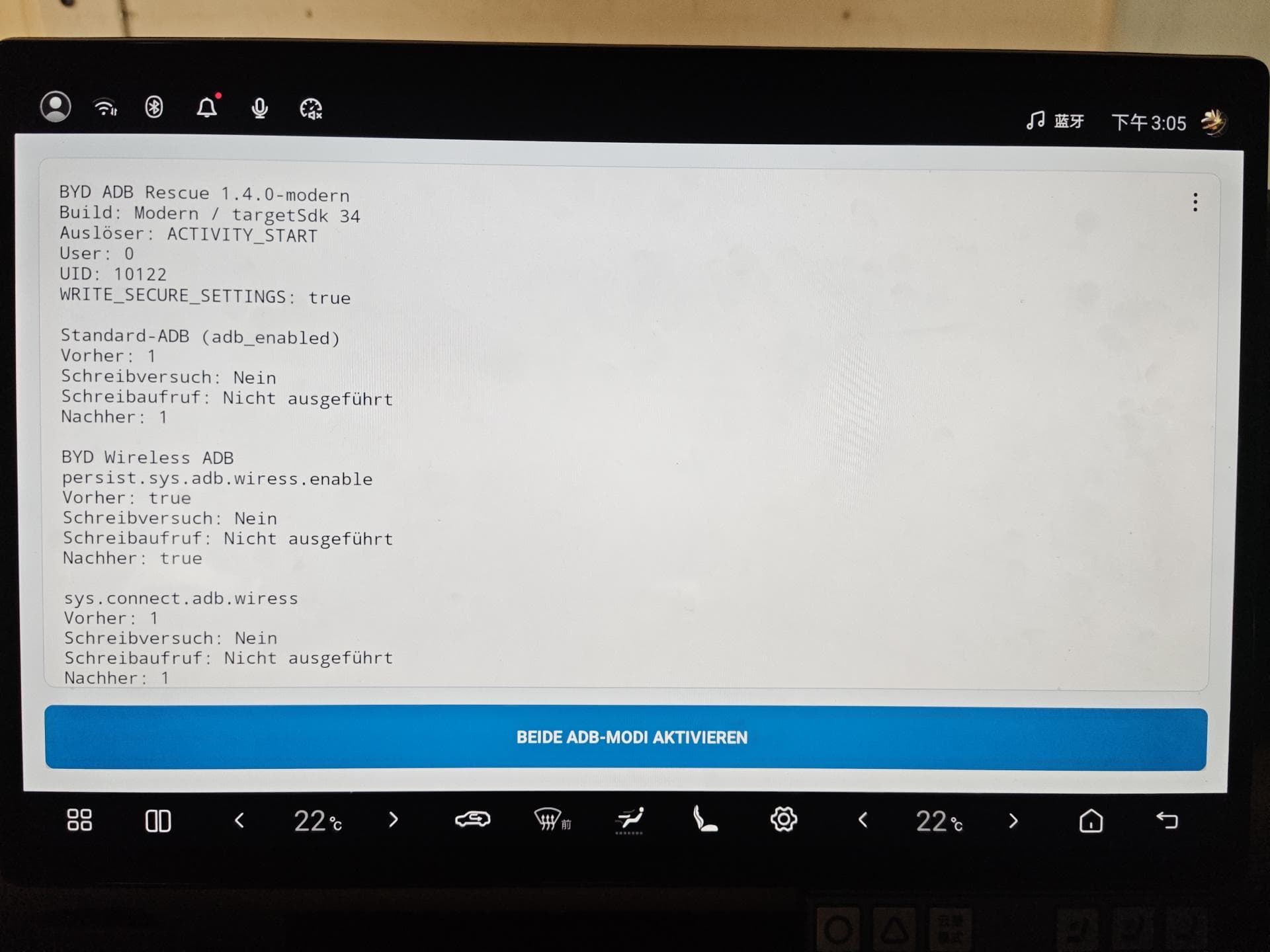
Once your ADB connection works, install and configure the recovery tool. Recovery after updates is not guaranteed.
Read online or download a PDF. The B5 overview covers planning; the B8 guide covers installation.
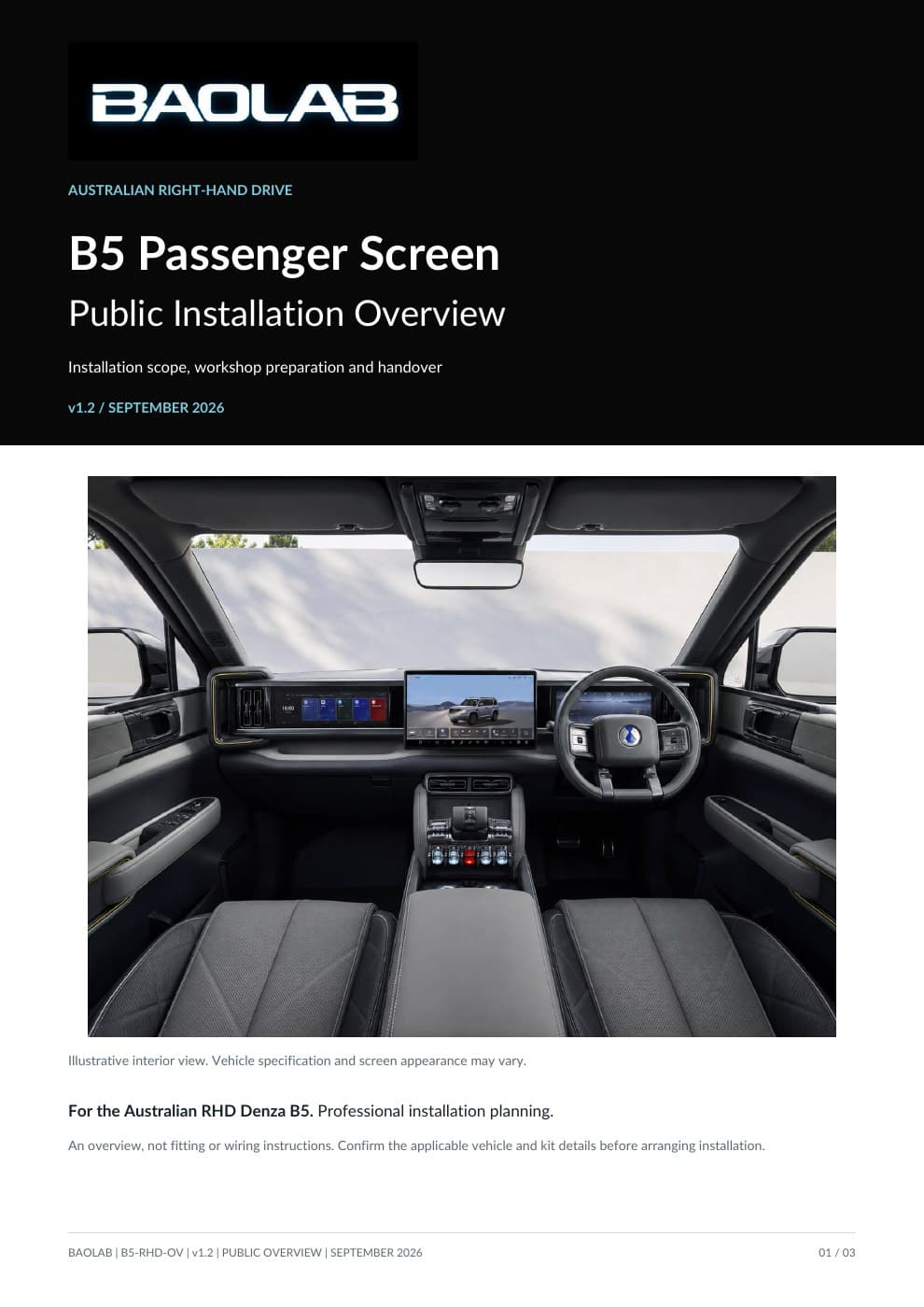
Installation planning, workshop preparation and handover. Not a step-by-step fitting or wiring manual.
View installation overview
Dashboard access, clip transfer, harness routing and reassembly for the Australian right-hand-drive B8.
View installation guide